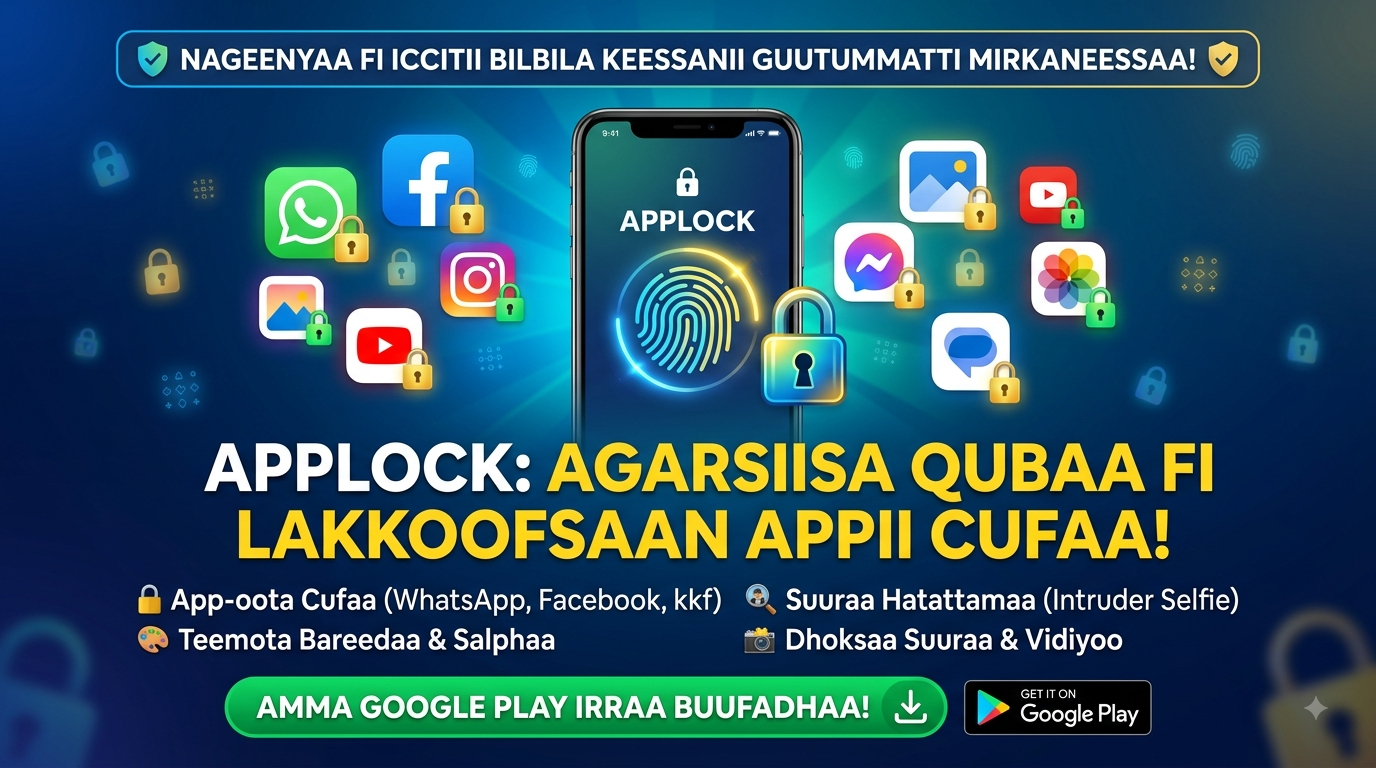
We treat our smartphones like digital extensions of ourselves. They hold our most intimate conversations, our precious memories, our financial information, and the keys to our professional lives. Yet, we often hand this treasure trove of data to friends, family, and curious children without a second thought. "Can I borrow your phone?" is a common and innocent request, but it can lead to accidental (or sometimes intentional) snooping. This is where the humble, yet powerful, app locker comes in, and apps like "App Lock - Fingerprint Lock" are leading the charge in providing a crucial, personalized security blanket for your digital life.
The Core Mission: A Virtual Vault for Your Apps
At its most basic level, an app locker does exactly what its name suggests: it locks specific applications behind an additional layer of security. Once you set up a PIN, pattern, or use your fingerprint, any attempt to open a locked app will trigger a request for this secondary authentication. This means that even if someone unlocks your phone, they are immediately stopped from accessing your WhatsApp messages, your banking app, your PayPal, or your private photo gallery without your explicit permission. It's like having a personal safe for each of your most sensitive apps.
Beyond Just Locking: A Toolkit for Total Control
The utility of a modern app locker extends far beyond simply setting a password. It offers a suite of features designed to give you granular control over your privacy. The "Intruder Selfie" feature, for instance, is a fantastic deterrent. If someone enters the wrong password too many times, the app discreetly takes a photo using the front-facing camera, allowing you to see exactly who was trying to get in. This adds a powerful psychological barrier against snooping, as the potential intruder knows they could be caught.
Another clever feature is "Icon Camouflage." This allows you to change the app's icon to look like a calculator or a weather app. This is perfect for those who want an extra layer of security, ensuring that even the existence of the app locker itself is hidden from prying eyes. It's security through obscurity, and it's remarkably effective.
Here’s a quick look at the other key features that create a comprehensive privacy shield:
- Multiple Lock Types: Choose between PIN, pattern, or fingerprint for a method that suits you best.
- File Hiding: Securely hide private photos and videos in a separate, hidden vault, keeping them out of your main gallery.
- Customizable Re-lock Time: Set the app to automatically re-lock after a specific period of inactivity, balancing security with convenience.
- New App Locking: Automatically lock any newly installed apps, ensuring you never forget to secure a fresh application.
The Developer's Dilemma: The Price of Free (The Ad Factor)
Like many powerful free apps, "App Lock - Fingerprint Lock" relies on advertising to sustain its development. Some users have expressed frustration with the ad frequency, with one review even stating they'd give zero stars because of them. This is a common challenge for free mobile utilities. The developer's response to this feedback is commendable and transparent: they acknowledge the disruption, explain that ads fund the free version, and offer an in-app purchase to remove them for a seamless experience. This is a fair model—you get a full-featured security tool for free, with a clear, optional path to an ad-free premium experience.
A Matter of Trust: Data Safety and Permissions
For an app whose entire purpose is security, trust is paramount. The privacy policy for this app states that it does not share any data with third parties, encrypts data in transit, and only collects app activity, info, and device IDs. This is a strong commitment to user privacy. Furthermore, the app explicitly asks for "All Files Access Permission" to hide your private files, and it assures users that this permission is used solely for that protective purpose. This transparency is vital; it clarifies exactly why a potentially sensitive permission is needed, helping to build the necessary user confidence.
Practical Use Cases: Who Needs an App Locker?
The beauty of an app locker is its universal appeal. It’s not just for the paranoid; it’s for anyone who values their privacy or shares their device. For instance:
- Parents can rest easy, locking down payment apps and settings to prevent children from making accidental purchases or deleting important files.
- Professionals can secure work-related apps containing confidential emails or documents on their personal phones.
- Anyone who occasionally hands their phone to a friend can have peace of mind, knowing their private photos, messages, and social media are safe from casual viewing.
The Verdict: A Necessary Addition to Your Digital Life
In a world where our digital and physical lives are increasingly intertwined, an app locker is no longer a luxury—it's a necessity. It provides a simple, effective, and customizable barrier between your private data and the outside world. While free versions come with the trade-off of ads, the core security features they provide are invaluable. By granting you granular control over who sees what on your device, apps like this empower you to navigate your digital life with greater confidence and peace of mind.