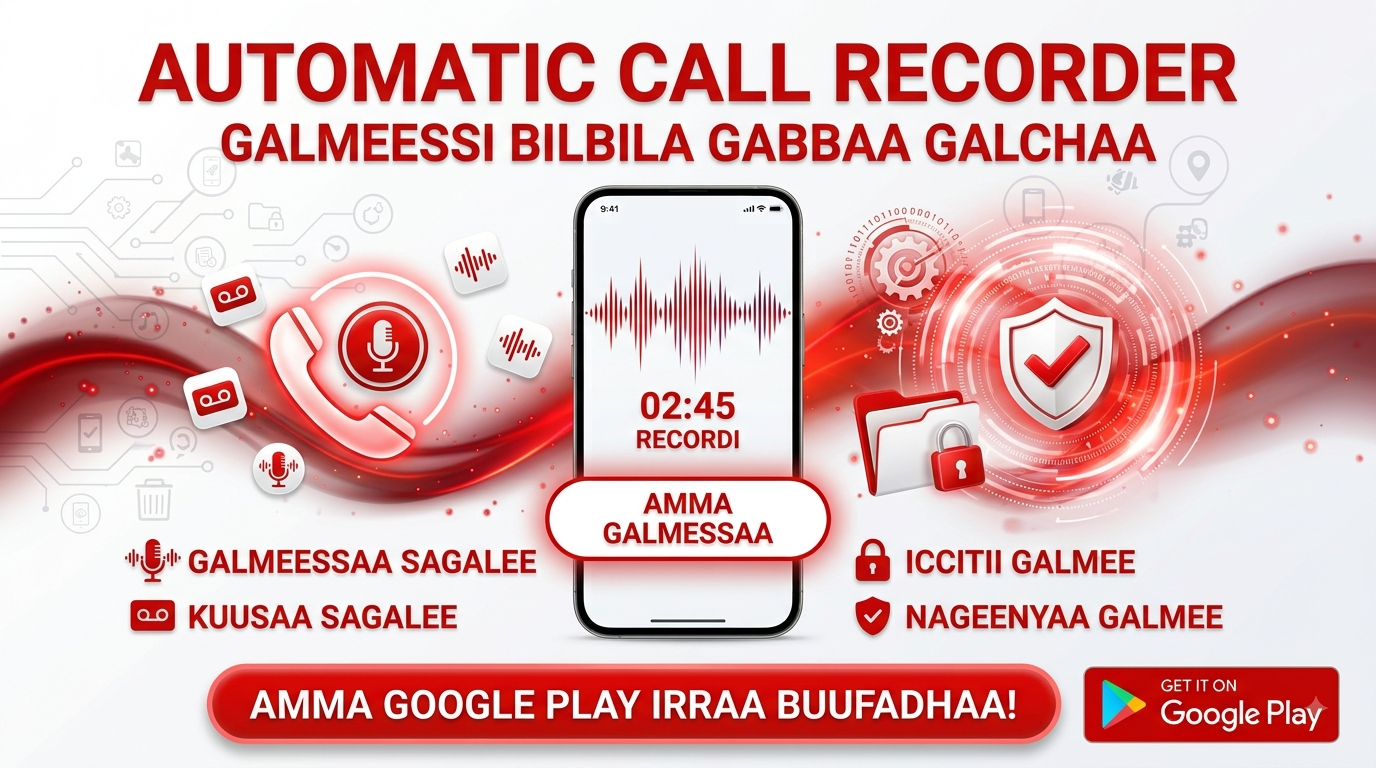
Think about all the crucial information that gets exchanged over phone calls. A client gives you a complex set of instructions, a loved one shares important details for an upcoming event, or you conduct an interview for a podcast. In the heat of the moment, it's nearly impossible to remember every single detail. This is the problem that automatic call recorder apps are designed to solve, and "Call Recorder Automatic" positions itself as a comprehensive solution. It promises to be more than just a simple recorder; it aims to be a smart assistant for all your audio needs.
The Core Function: Seamless, Automatic Recording
At its most fundamental level, this app delivers on its primary promise: automatic call recording for both incoming and outgoing calls. The key advantage is its "set it and forget it" nature. Once installed and configured, the app runs in the background, automatically capturing your conversations without requiring you to fumble for a record button during a call. This ensures that you never miss a critical piece of information, whether it's a business number, an address, or a cherished moment with family.
Compatibility That Covers the Market
One of the app's strongest selling points is its broad compatibility. The developer explicitly states support for a wide range of popular Android devices, including major brands like Samsung, Xiaomi, OPPO, Vivo, Huawei, and even Google Pixel devices. This is a significant advantage, as call recording functionality can often be device-specific due to Android's fragmented ecosystem. By addressing this directly, the app assures a vast user base that it can work on their specific phone model and Android version, including the latest Android 14 and 5G-enabled phones.
A Feature-Rich Toolkit for Power Users
However, the app distinguishes itself by offering a suite of features that go far beyond simple call capture. It evolves into a full-fledged audio management tool. Here are some of the notable features that make it a powerhouse:
- Call Transcription: Convert your audio recordings into text, making it easy to search, quote, or share the content of a call.
- App Recording: It's not just for cellular calls; the app can record audio from messaging and video call apps like WhatsApp, Messenger, and Zoom.
- Audio Repair Tool: A unique feature that can fix issues with recorded sound, ensuring you get a clear, usable file even if the initial quality wasn't perfect.
- Cloud Backup: Safely back up your important recordings to the cloud, protecting them from being lost if your device is damaged or replaced.
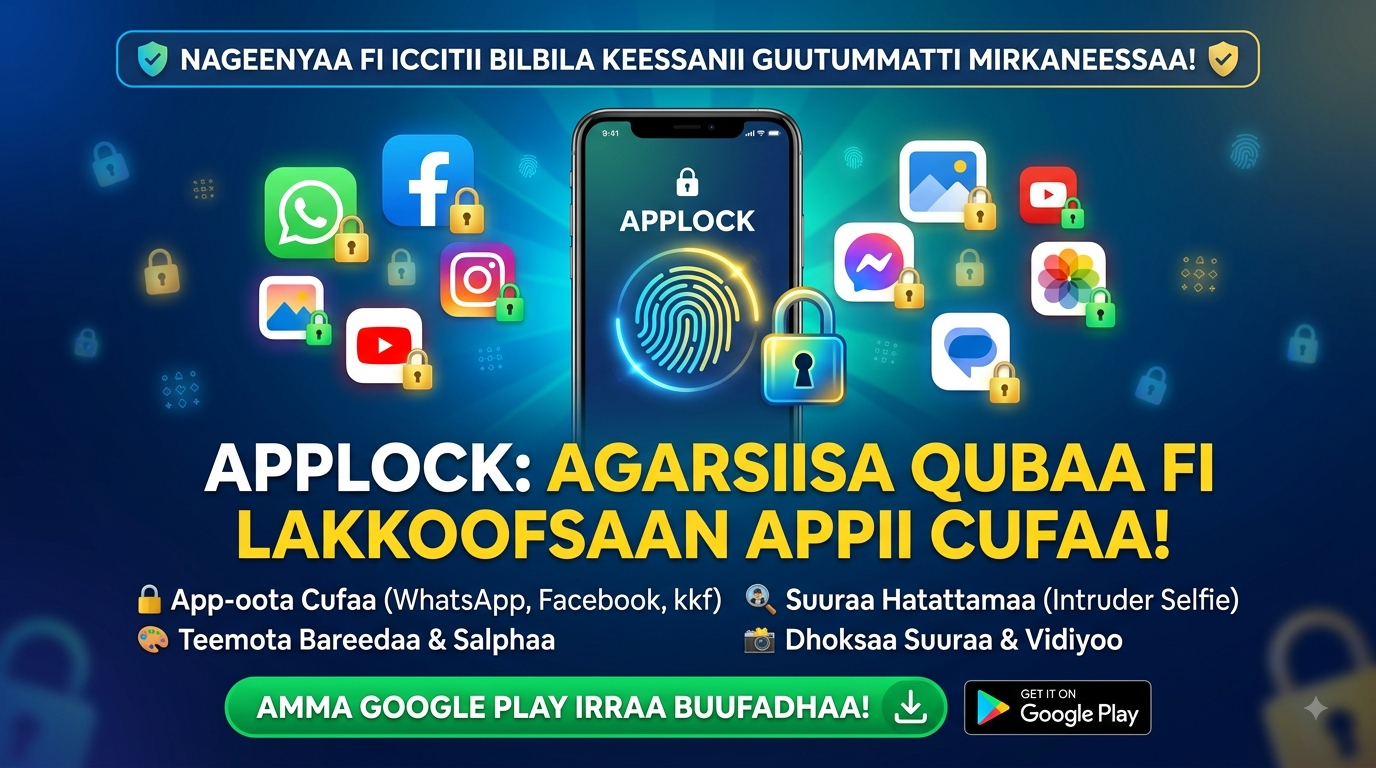
- App Lock: Add an extra layer of security to the app itself, ensuring your sensitive recordings remain private.
Understanding the Device Challenge
It's important to acknowledge a common challenge with call recording apps, which is reflected in some user feedback. A recurring theme in the reviews is the difficulty in capturing the other party's voice clearly. This is often not a flaw in the app itself, but rather a technical limitation of many Android devices. Modern Android versions have built-in restrictions on call recording to protect privacy. The app provides clear workarounds, such as suggesting users use the speakerphone and adjusting the audio source settings (like changing from 'auto' to 'microphone' or 'voice call'). This hands-on advice shows the developer's commitment to helping users achieve the best possible results.
Privacy and Data Handling
Given the sensitive nature of audio recordings, it's critical to scrutinize the app's data handling policies. The app's data safety section reveals a few key points. While data is encrypted in transit and users can request deletion, the app may share and collect a significant amount of data, including location, personal information, and six other categories. This is a notable contrast to simpler utilities. Users who are highly privacy-conscious will want to weigh the app's rich feature set against its data collection practices and ensure they are comfortable with the trade-off.
The Verdict: A Balanced Choice
Call Recorder Automatic emerges as a powerful and versatile tool for anyone who needs to capture audio from their phone. Its strengths are its wide device compatibility, the vast array of features that extend beyond basic recording, and its potential for high-quality captures. It's a robust solution for professionals, journalists, or anyone who wants to keep a detailed audio record of their life. The key to a great experience is understanding the device-specific nuances of call recording and being willing to follow the developer's tips for optimal results. While its data policy might give some users pause, the sheer utility and functionality it offers make it a leading contender in its category.