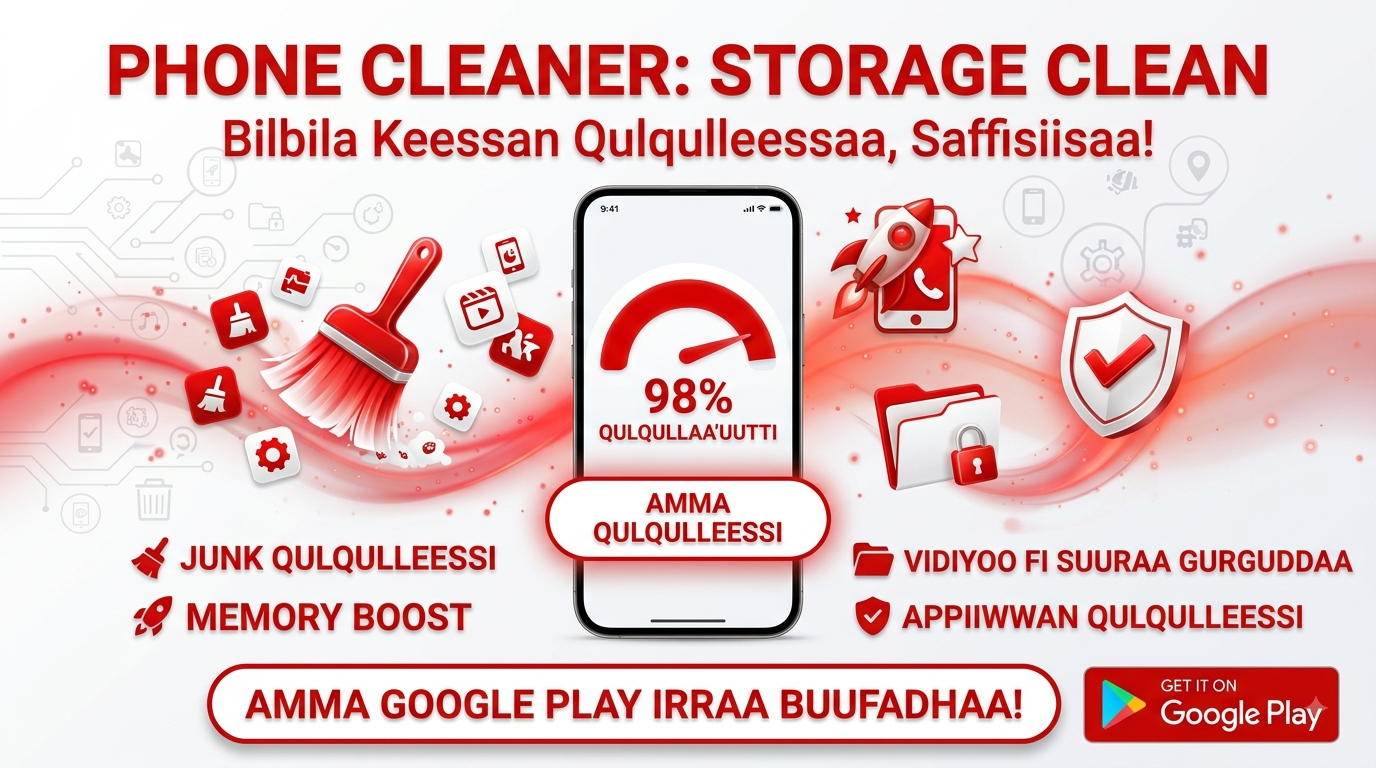
We've all received that dreaded notification: "Storage space is running out." Suddenly, you're scrambling to delete old photos, hoping to capture a new memory, or you're frustrated by an app that's become painfully slow. Our smartphones have become the central repositories for our digital lives, overflowing with photos, videos, messages, apps, and files. Over time, this digital clutter—cached data, residual files, and duplicate downloads—accumulates silently, slowing down our devices and eating into precious storage. This is where a trusty utility app like "Phone Cleaner – Junk Cleaner" steps in, offering a simple, one-tap solution to spring clean your phone and restore its performance.
The Silent Enemy: Understanding Digital Junk
Before we dive into the solution, it's helpful to understand the problem. Your phone accumulates various types of "junk" files as you use it. These are often leftover pieces of data from app installations, app updates, and temporary files that apps create to load content faster. While they serve a purpose in the moment, they often aren't deleted afterwards, sitting idle and consuming space. This digital detritus, which includes cache files, residual APKs, and old log files, can take up gigabytes of storage over time and can even slow down your device's overall performance. A cleaner app helps identify and safely remove these forgotten files.
A Toolbox for Digital Spring Cleaning
The "Phone Cleaner – Junk Cleaner" app is more than just a one-trick pony; it offers a comprehensive suite of tools designed to tackle clutter from every angle. Its main features are designed to address the most common storage headaches. This includes a robust Junk File Cleaner that scans for and removes unnecessary residual, cache, and temporary files. For visual clutter, the AI Cleaner is particularly smart, as it can identify and help you delete similar, poor-quality, or old images and large videos that are just taking up space.
Here’s a breakdown of the key tools you can expect to find:
- Media Overview: Gives you a clear analysis of your storage usage, allowing you to easily clean up images, videos, and large files in one place.
- App Manager: Helps you identify and uninstall apps you no longer use, while also showing you which apps are consuming the most storage or mobile data.
- Photo Compressor: Reduces the file size of large images without a noticeable loss in quality, freeing up significant space.
- Duplicate Cleaner: Quickly finds and removes duplicate files, which often accumulate from repeated downloads or photo backups.
- Social Media Cleaner: Specifically targets and removes media files from apps like WhatsApp, Instagram, and Facebook, which are notorious storage hogs.
The Performance Payoff: Why Cleaning Matters
Regularly using a cleaner app can have a tangible impact on your phone's performance. By freeing up storage space, you're giving your device room to breathe. This can lead to faster app load times, smoother multitasking, and a more responsive overall experience. Furthermore, by removing residual files, you're not just clearing storage; you're potentially eliminating corrupted or conflicting data that could cause apps to malfunction or crash. It’s like giving your phone a tune-up that helps it run at its optimal speed.
A Note on Privacy and Data Safety
For any app that asks for access to your files, privacy is a primary concern. According to its data safety section, the "Phone Cleaner – Junk Cleaner" app encrypts data in transit and makes a clear statement: it does not collect any data. However, it's also noted that the app may share certain data types like app activity and device IDs with third parties. This distinction is crucial for users to understand. It means that while the app itself isn't harvesting your personal files, it may share anonymized usage data for analytics purposes, which is a common practice for improving the app's performance.
The Developer's Commitment and User Feedback
With over 25,000 reviews, the app has garnered a community of users. The developer, Kaleem Ullah, appears committed to the app's upkeep, with regular updates focused on improving performance, stability, and fixing bugs. This is an excellent sign, as it indicates that the app is not abandoned and that the developer is responsive to issues that arise, ensuring the tool remains effective and secure with each new Android version.
User Feedback and Real-World Use
This feedback provides a valuable glimpse into the app's real-world performance. While specific user reviews aren't available in the provided text, the high volume of reviews, combined with the regular updates, suggests a generally positive user base. The true test of any cleaner app is its effectiveness, and the features described—from AI-driven cleaning to duplicate file detection—are exactly the kinds of tools that users consistently look for to manage their devices. It's a practical solution that addresses a universal pain point for smartphone users.
The Final Verdict: A Practical Addition to Your Digital Toolkit
In the end, an app like "Phone Cleaner – Junk Cleaner" is a practical and valuable addition to any Android user's toolkit. It solves a common problem—storage clutter—with a simple and efficient solution. While you could manually comb through your files and settings to clear cache and find duplicates, this app automates the process, saving you time and effort. It gives you a clear overview of your storage, empowers you to make informed decisions about what to keep and what to delete, and ultimately, helps you maintain a cleaner, faster, and more responsive device. It's about taking control of your digital space and giving your phone the care it deserves.