In our hyper-connected world, a stable Wi-Fi connection is as essential as electricity or running water. We rely on it for work, entertainment, and keeping in touch with loved ones. Yet, for all its importance, the technical side of our home networks often remains a mystery. When the internet slows down or a new device won't connect, we're left scratching our heads. This is where utility apps like "Wifi密码合二为一" (WiFi Password All in One) step in, not as magical hacking tools, but as practical assistants designed to demystify your network and give you greater control over your digital domain.
Setting the Record Straight: What This App Is (And Isn't)
One of the first things you'll notice when looking at this app is a very clear and important disclaimer: "This application is not intended for cracking, hacking, or accessing any type of wifi network." This is a crucial distinction. The app's purpose is not to help you piggyback on your neighbor's connection, but rather to provide you with a suite of useful tools to manage and understand your own Wi-Fi environment. It's a diagnostic and informational tool, similar to a mechanic's diagnostic reader for your car, designed to empower you with knowledge about your network's health and security.
Your Network at a Glance: Key Information Dashboard
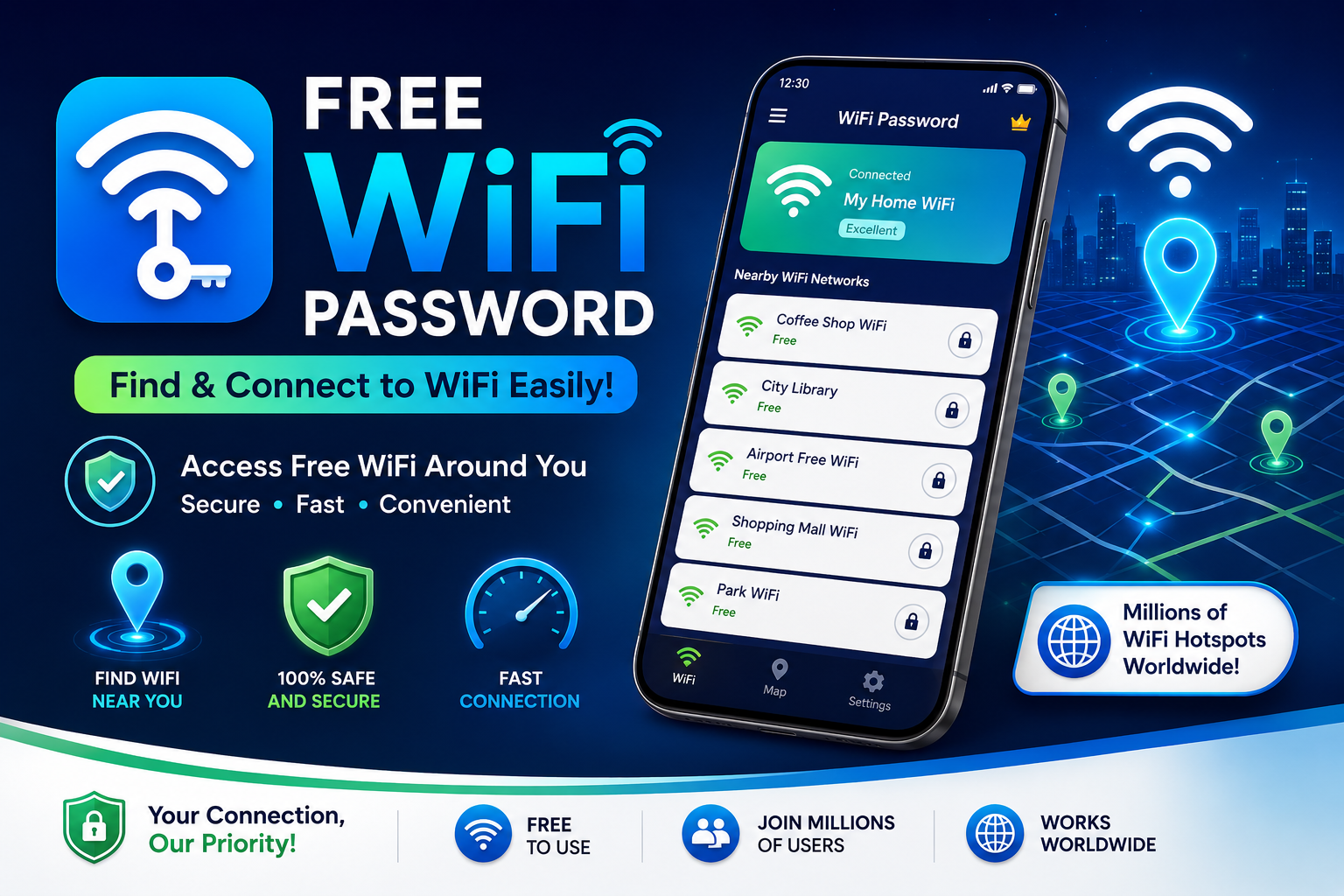
So, what does this app actually do? At its core, it functions as a comprehensive dashboard for your current connection. It goes beyond the simple "connected" or "not connected" status your phone normally shows. With a single tap, you can access detailed technical information that network enthusiasts and professionals routinely use, but which is often hidden from the average user. This includes your device's IP address, the gateway address, and the DNS servers being used. For anyone who has ever tried to troubleshoot a network issue or set up a static IP, this information is invaluable.
Beyond Your Connection: Seeing the Full Picture
But the app's utility doesn't stop at your own device. It also acts as a powerful Wi-Fi scanner, providing a comprehensive list of all available networks in your vicinity. This feature is about awareness, not intrusion. It can help you identify the strongest signal in a crowded area, see which channels are overcrowded, or simply understand your wireless environment better. For example, if you're setting up a new router, this tool can help you see which channel is least congested by your neighbors' networks, potentially boosting your own signal strength and speed.
This brings us to one of the app's most interesting features for concerned network owners: "Find who is connected to your Wi-Fi network." This is a brilliant tool for identifying unwanted guests. If you suspect a neighbor is using your password, or if you simply want to audit the devices on your network for security, this feature can be a lifesaver. By showing you a list of connected devices, you can easily spot any that you don't recognize, allowing you to then take action by changing your password or blocking their MAC address through your router's settings.
Generating Unbreakable Security
Another standout feature is the ability to generate secure passwords for your Wi-Fi networks, specifically for WPA, WPA2, and even the newer WPA3 security protocols. How many of us are guilty of using a simple, easy-to-remember password that is also easy for a brute-force attack to guess? This built-in password generator creates complex, highly secure passwords that are significantly more resistant to unauthorized access. It's a proactive step toward hardening your home network against potential threats, ensuring that only those you authorize can connect.
Now, let's address some of the user feedback, especially the critical reviews. Some users have expressed disappointment that the app isn't a "password cracker." This negative feedback is actually a testament to the app's integrity. It operates within legal and ethical boundaries, providing a legitimate service rather than engaging in the dubious and often illegal activity of network intrusion. Its value lies in its transparency and its commitment to being a helpful tool for network management, not a tool for exploitation. It's a utility, not a miracle worker.
A Note on Data and Privacy
Like all apps, it's wise to consider the data handling practices. The app's privacy policy states it may share and collect data like app activity, information, and device IDs, and it encrypts data in transit. However, a notable point is that data cannot be deleted. This is a key consideration for users. It means that while the app itself provides useful features, you should be mindful of the information you're comfortable providing, as the developers may retain that data. This underscores the importance of reading privacy policies for all apps you download and making an informed decision about what you're willing to share.
Ultimately, "Wifi密码合二为一" shines as a practical, no-nonsense utility for anyone who wants to take a more active role in managing their home network. Whether you're a tech-savvy user looking for a quick way to check your IP settings or a concerned homeowner wanting to ensure no one is stealing your bandwidth, this app offers a set of simple yet powerful tools. It empowers you with knowledge, provides a layer of security, and helps you understand the invisible waves that keep us all connected